|
Getting your Trinity Audio player ready...
|
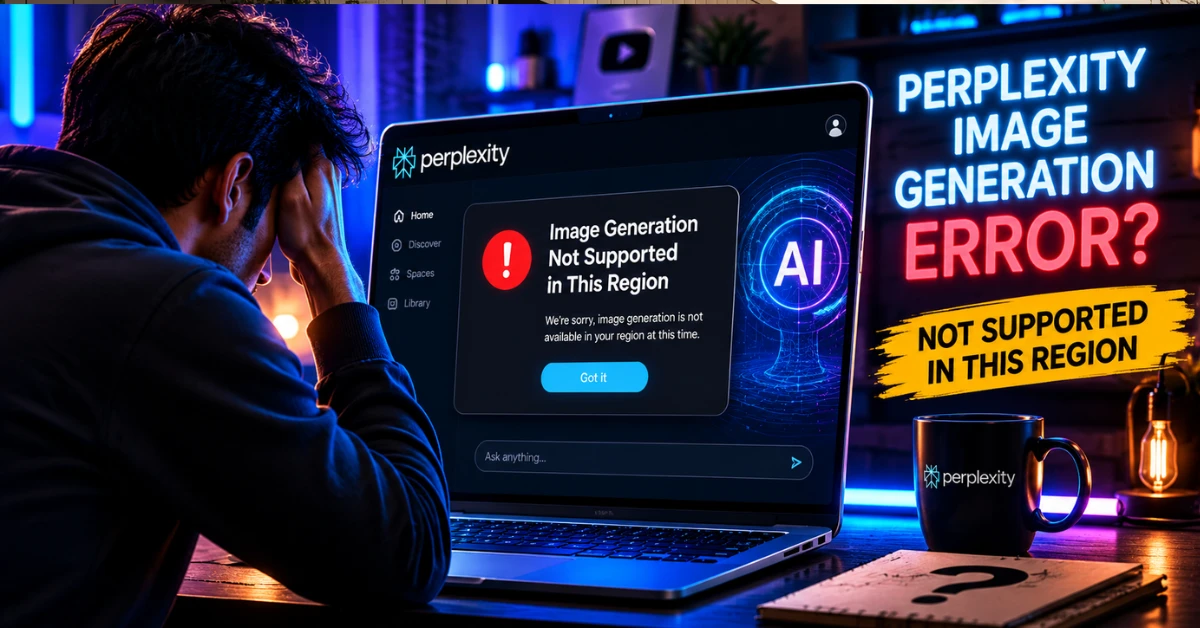
Let me guess — you opened Perplexity, tried generating an image, and suddenly saw a message saying Perplexity image generation is not supported in your region.”
No clear explanation. No fix. Just confusion.
I’ve been there. And honestly, it’s frustrating — especially when you see others using the same feature without any issue. The good news? In most cases, this problem is not permanent, and there are simple ways to understand what’s going on.
Why Perplexity Image Generation Error Is Suddenly Everywhere in 2026
A growing number of users are suddenly running into the “Image Generation Not Supported in This Region” message while using Perplexity AI, and the issue is spreading quickly across Reddit, X, and tech forums.
What’s making this frustrating is that many people were using the feature normally before the error started appearing. Some users believe the issue may be linked to regional rollout limits, server overload, or temporary restrictions on AI image tools in certain countries.
Because of that, searches related to Perplexity image generation errors have exploded recently, with users actively looking for fast working fixes.
Ye guide me mai apke problem solve karuga wait wait wait..
Why Perplexity Image Generation Is Blocked in Some Regions
First, let’s clear one thing:
This is not a bug and not an account issue.
Perplexity restricts image generation in certain regions because of:
- Local regulations and compliance rules
- AI image licensing limitations
- Gradual feature rollout strategy
In short, Perplexity enables image tools country by country. Some regions get it early, others later.
That’s why two users with the same account type may see different features.
Perplexity rolls out features gradually across regions, as explained on the Perplexity official website, which is why image generation may not be available everywhere yet.
Why does Perplexity say “Image Generation Not Supported in This Region”?
Reasons:
AI image generation not available in some countries
Server restrictions
Feature limited to selected regions
Account permissions issue
How to Fix “Image Generation Not Supported in This Region”
Method 1: Use VPN
Method 2: Change region
Method 3: Use supported AI tools
Does This Mean Image Generation Will Never Work for You?
No — and this is important.
In most cases, “not supported in your region” does not mean “never supported.” It usually means:
- The feature hasn’t rolled out in your country yet
- Access is limited during testing phases
- Availability depends on the account type or backend updates
Many AI tools follow this slow rollout model.
Read More: How to get Perplexity Pro Free.
Read More: Gemini 3 pro Nano Banana Free.
Things That Will NOT Fix the Problem (Avoid These)
Before talking about real solutions, let’s save you some time.
These things usually do not work:
- Reinstalling the app
- Creating multiple accounts
- Switching browsers repeatedly
- Using random “cracked” versions
Worse, some methods can put your account at risk.
What You Can Actually Do Right Now
Here’s the practical part.
1. Check If the Feature Is Account-Based
Sometimes image generation is enabled only for:
- Pro users
- Limited beta users
If you’re on the free plan, availability can be restricted even in supported regions.
2. Use Perplexity for What It’s Best At (For Now)
Even without image generation, Perplexity is still excellent for:
- Research
- Writing help
- Summaries
- Fact-based answers
Many users wait for image tools but forget how powerful the core features already are.
3. Keep an Eye on Official Updates
Perplexity quietly updates features without big announcements.
The best way to stay informed:
- Watch in-app notifications
- Check official Perplexity updates
- Follow feature availability changes over time
In many cases, access appears automatically after backend updates.
Is Using a VPN a Good Idea?
This is where people get tempted.
While some users try VPNs, keep this in mind:
- It may violate Perplexity’s terms
- It can break account stability
- It’s unreliable long-term
If your account matters to you, it’s safer to wait for official access.
Why Perplexity Is Doing This Slowly
AI image generation isn’t just a button — it involves:
- Heavy computing resources
- Legal responsibility
- Content moderation systems
Rolling it out slowly helps Perplexity avoid misuse and system overload.
From a platform perspective, this approach makes sense — even if it’s annoying for users.
What to Expect Going Into 2026
Based on how AI tools are expanding, image generation support is likely to:
- Reach more regions gradually
- Become more stable and regulated
- Possibly get bundled with paid plans
So if you’re seeing this limitation now, it doesn’t mean you’re stuck forever.
Conclusion the perplexity image generation
Seeing “Perplexity image generation not supported in your region” is frustrating, but it’s not the end of the road.
This is a rollout and compliance issue — not a personal account problem. There’s no magic fix today, but understanding the reason saves you from wasting time on fake solutions.
For now, use Perplexity for its strengths, stay patient, and avoid risky shortcuts. In most cases, access arrives quietly — without you needing to do anything at all.
Sometimes, the simplest solution is just knowing why something isn’t working yet.